
 February 5, 2011
This is probably one of the coolest features that shipped with Visual Studio Team Foundation Server 2010.
To start with if you do not have Hyper-V configured and you have a VMware environment then you should probably read this post to find out what is not supported.
What’s in it for me
(READ: Do Less, Get More)
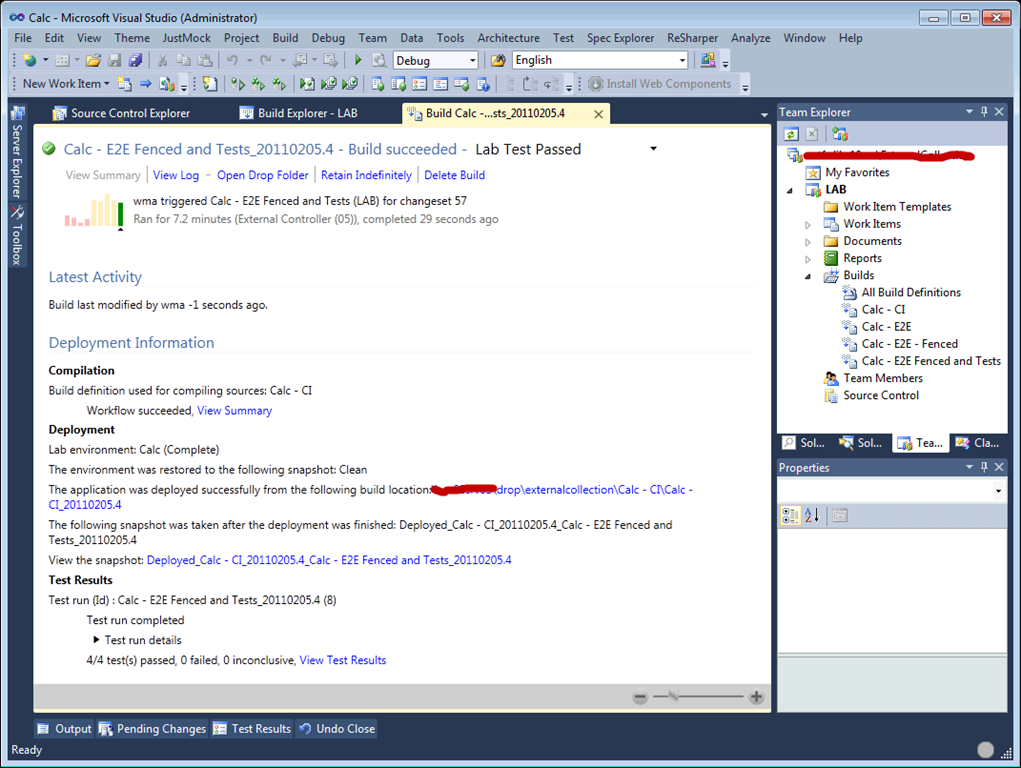
If you are interested in diving into this I recommend you download the Hyper-V virtual machine and go through the labs to get a sense of how you can leverage this on your development projects. This will save you a lot of time as it only requires a Hyper-V host (dedicated) for you to run it.
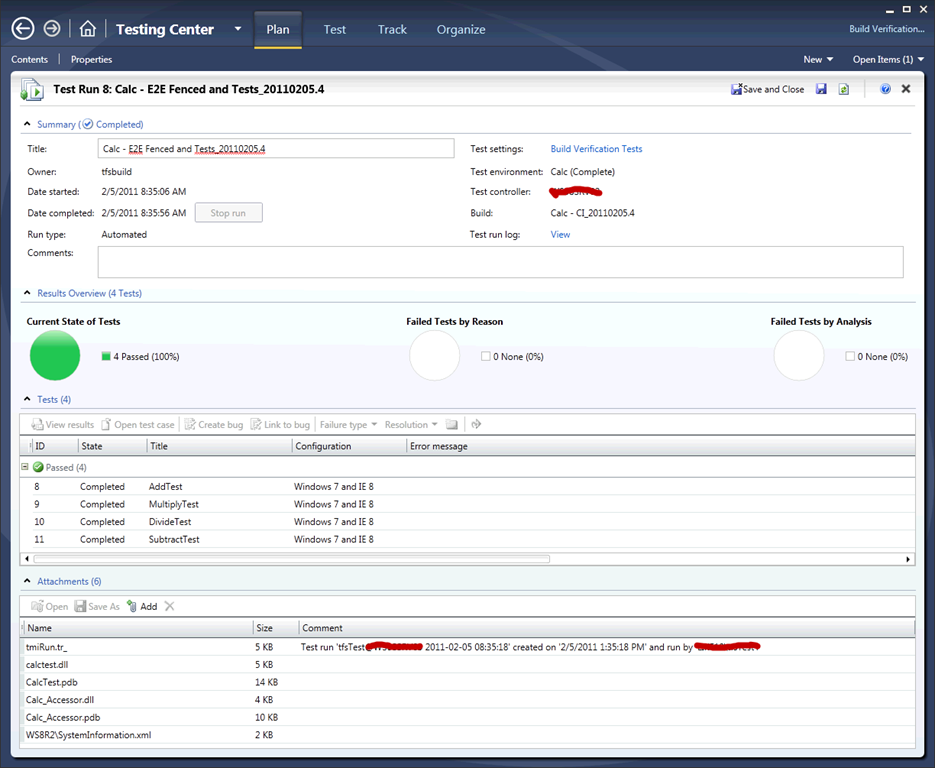
It may seem a bit overwhelming (to get up and running in your environment) at first but the walkthroughs and associated VHD are definitely worth a look.


Trackbacks/Pingbacks
[…] Visual Studio Team Foundation Server 2010 with Labe Management Enabled […]
LikeLike