
 November 26, 2010
If going to Central Administration | Security | Configure Managed Accounts and Registering a new account (with Automatic Password Change) fails with the following error

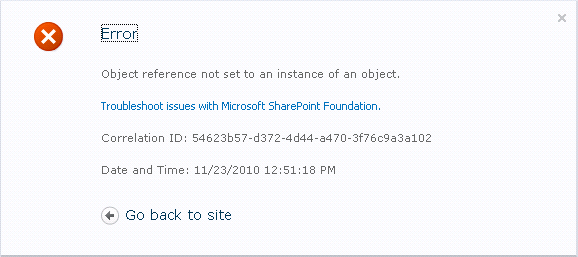
You will no longer be able to access the Configure Managed Accounts screen until you remove the offending account you just tried to add, this is all you will get
PowerShell to the rescue! Open a SharePoint 2010 PowerShell Command Prompt and enter the following command:
Get-SPManagedAccount
You should see a list of all your managed accounts…and one that has an Automatic Change value of True. Remove the offending account by executing the following command:
Remove-SPManagedAccount DOMAIN\ServiceAccountName
Now you can go back into the list of managed accounts in Central Administration and Add the account again without Automatic Password Change configured.


 Azure DevOps and Visual Studio Awesomeness
No comments yet... Be the first to leave a reply!