
 June 26, 2013

Sign in to Visual Studio 2013 within 14 days with your Microsoft account to synchronize your settings across multiple machines and register your product.
NOTE: For Visual Studio 2013 Preview, this experience is only available in English.
Here are the screenshots for the experience
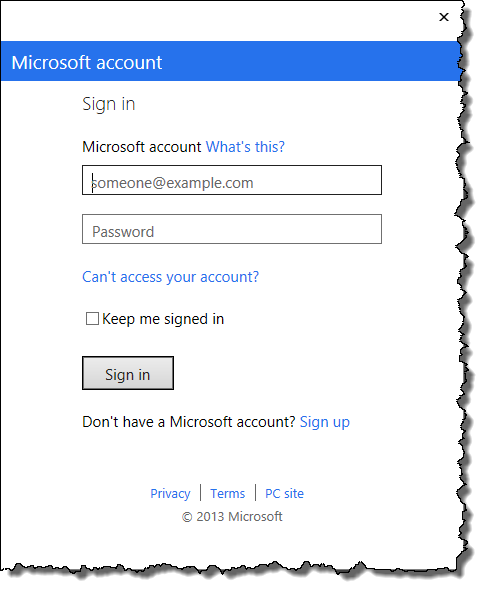
Sign In to your Microsoft Account (previously called Windows Live ID)
If you have two-factor authentication enabled use the Authenticator App and enter your code

Enter the code generated by your authenticator app / or code sent to you via SMS
Choose your settings and theme
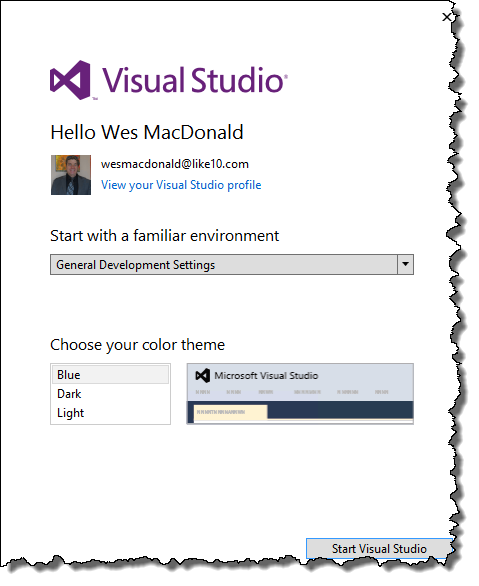
Pick your settings and theme
If you want to view your profile click the hyperlink and you will be brought to a web page where you can review your contact information

Now all your settings can be synchronized!
You are also able to access your profile within Visual Studio 2013

Visual Studio 2013 | Account Settings…
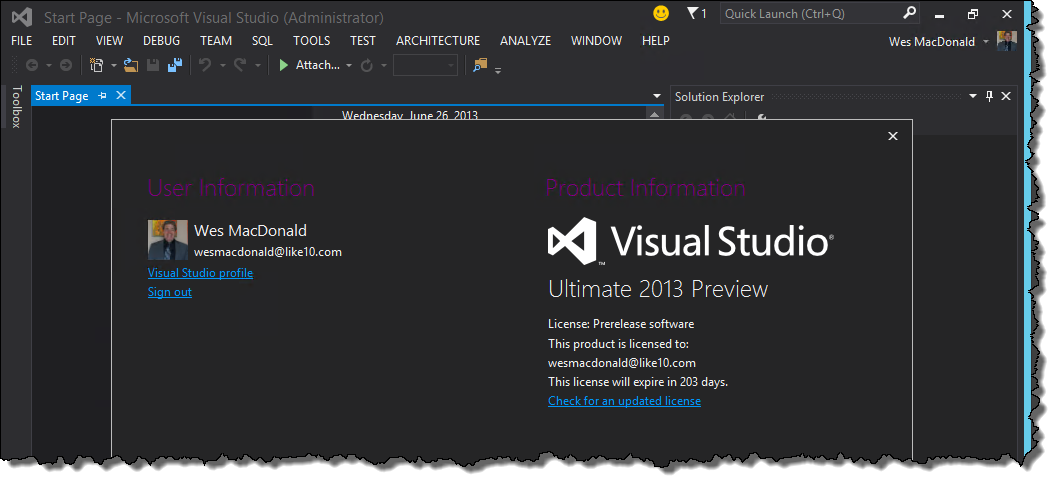
Account Settings dialog in VS 2013


 Azure DevOps and Visual Studio Awesomeness
No comments yet... Be the first to leave a reply!